Invite Cards

From: $55.00

5″ X 7″ Invite Cards
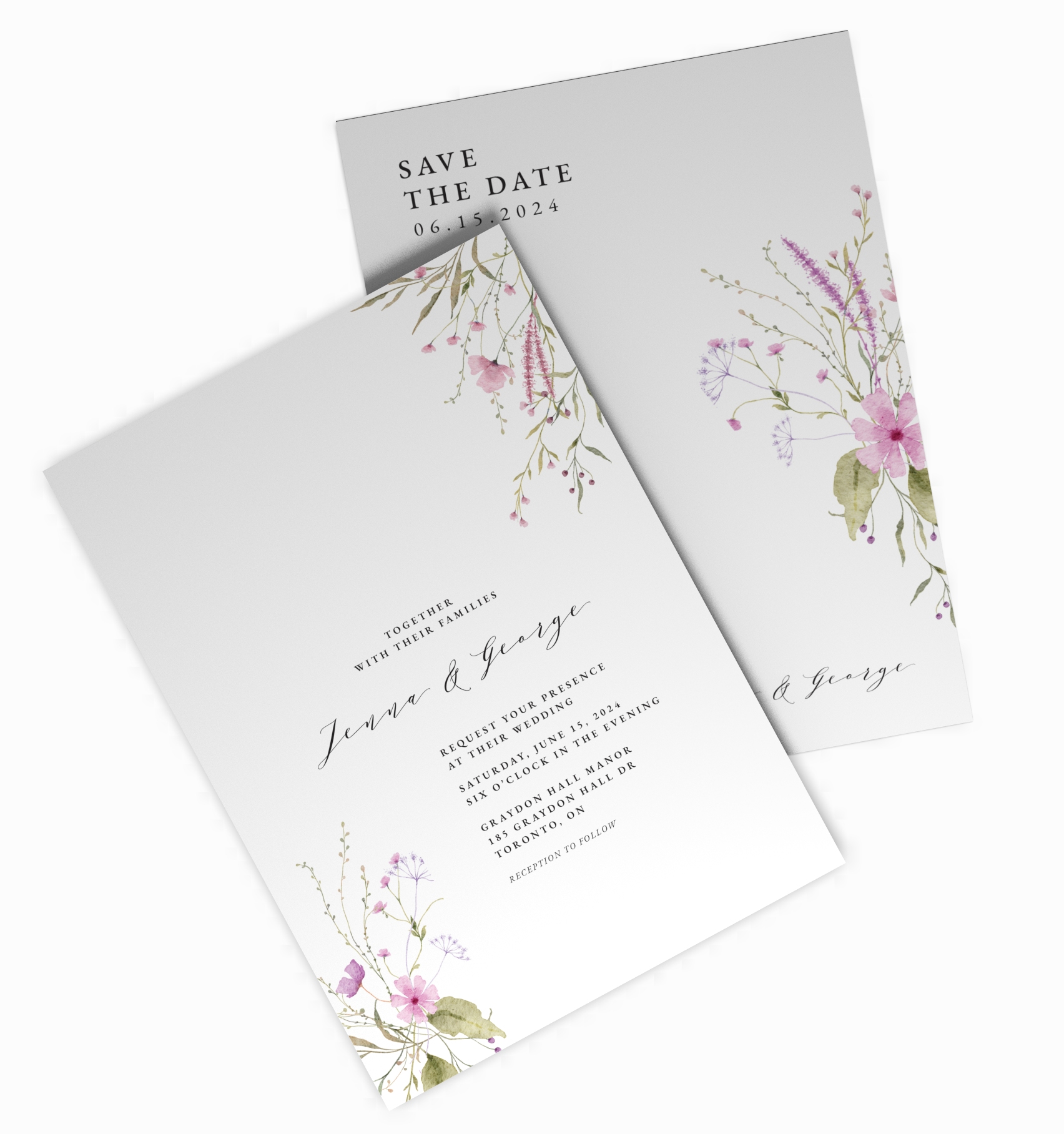
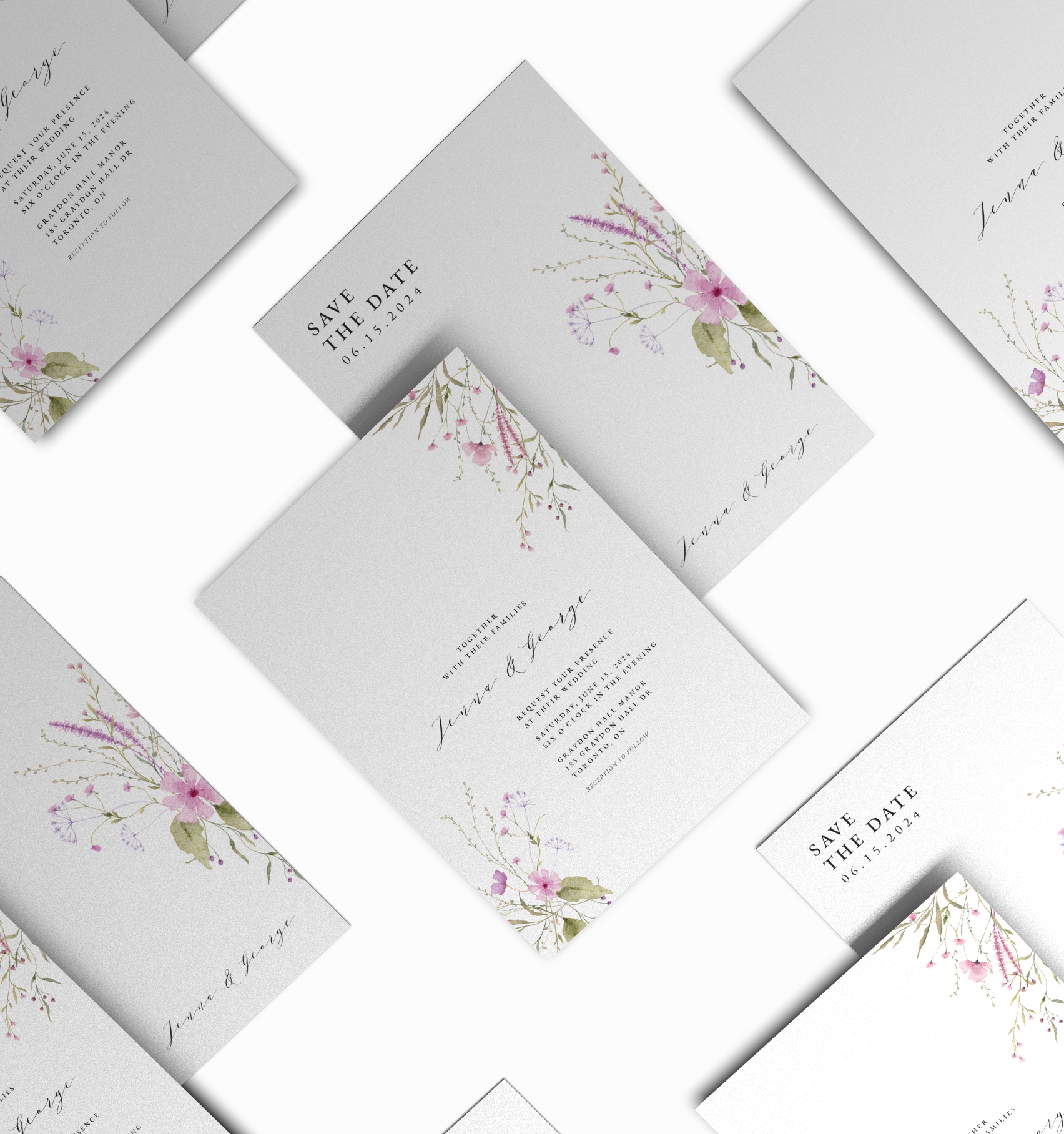
Elegant 5″x7″ invite cards available in matte, AQ gloss, writable AQ one-side, or matte lamination. Upgrade with stunning gold or silver foil for a luxurious finish. These are perfect for weddings, events, and special announcements. Need Envelopes? No problem, all are cards are paired with blank envelopes on 70lb Premium Uncoated Text envelopes.

SKU: GC-CS-1
    Reset options

    Add Envelopes

  • Artwork / Design Files

    • Please upload high-quality print files.
    • For double-sided prints please ensure to have a multi-page pdf with side A on page 1 and side B on page 2.
    • Compress multiple files into zip format. 
    • Ensure all your fonts are outlined and colour space is CMYK.
    • We recommend 300dpi print quality for best results.
    • Click here for additional tips and file preparation instructions when uploading files.
    • (max file size 512 MB)
  • Turnaround times

Additional Information

Description

5″x7″ Custom Invite Cards
Make your event unforgettable with our premium 5″x7″ invite cards—perfect for weddings, parties, brand launches, or any special occasion. Designed to impress and printed on high-quality cardstock, these invitations are available in a variety of luxurious finishes to suit your unique style.

Stock & Finish Options:

Matte Finish – Smooth and elegant with a soft, non-glossy look, ideal for a refined and classic feel.

AQ (Aqueous) Finish – Adds a light, protective gloss coating that enhances colour while keeping a subtle sheen.

AQ Coated 1 Side – One side features a protective gloss finish, while the other remains uncoated and writable—perfect for personal notes or signatures.

Matte Lamination – A silky, velvety surface that adds durability and a premium texture to your invites.

Upgrade with Foil:
Add a touch of luxury with gold or silver foil accents—ideal for highlighting names, logos, or design elements with a striking metallic shimmer.

Additional information

Qty

50, 100, 250

stock-options

14pt + AQ, 14pt C1S, Matte Finish, Matte Lamination + Gold / Silver Foil

Reviews

There are no reviews yet.

Only logged in customers who have purchased this product may leave a review.

Related Products

Artwork Upload Instructions

Your files will be processed by a DEMG pre-press technician to maximize print quality and guarantee results.

  1. Accepted file formats – We accept files in pdf, .jpg, ,.jpeg, .png, .psd, .eps, or .ai.
  2. Colour Profiles – RGB vs CMYK? While some printers can print in RGB mode, the conversion process to CMYK may produce unexpected results. It’s recommended to use a CMYK profile to match the printer process Ensure that your PDF is high resolution and that all images are using CMYK profile at 300 DPI.
  3. Fonts – All fonts must be outlined (not embedded). This avoids us having to find your font’s when prepping your file for print.
  4. Dieline’s must be a single path stroked using a separate spot colour called Dieline and should be on its own layer.
  5. Vector Graphics – Please provide vector only artwork for type, logos, shapes and all other artwork. Only provide embedded raster artwork for actual 4/C images.
  6. Black & Rich Black – Black type should have the following values: CMYK 0/0/0/100. For “Rich black” we recommend using CMYK 40/40/40/100.
  7. Trim & Bleeds – The trim size of the Illustrator file must match the final trim size of the label. For bleed, we recommend a minimum of 0.125 inches all around.
  8. Double Sided Printing – Files must be submitted with the correct orientation to ensure proper back up.
  9. Spot UV, Metallic Foils & White ink printing – For orders with custom finishing please supply a single file for your CMYK printing (if necessary) and a separate file with your spot UV layer representing the custom finish. Remember to set overprints on any Dieline.
  10. Unnecessary Objects – Make sure to DELETE any hidden layers that are not intended to print (ie: setup guides, unused layers or other hidden elements) to ensure no risk of them appearing on the final print.  Please note that form fields, comments, or annotations in PDFs will not be printed.
  11. Borders – It is best to try to avoid using borders in your design. If a border is too close to the trim, the trim may be slightly off-center.