Coil Bound Booklets

From: $55.00

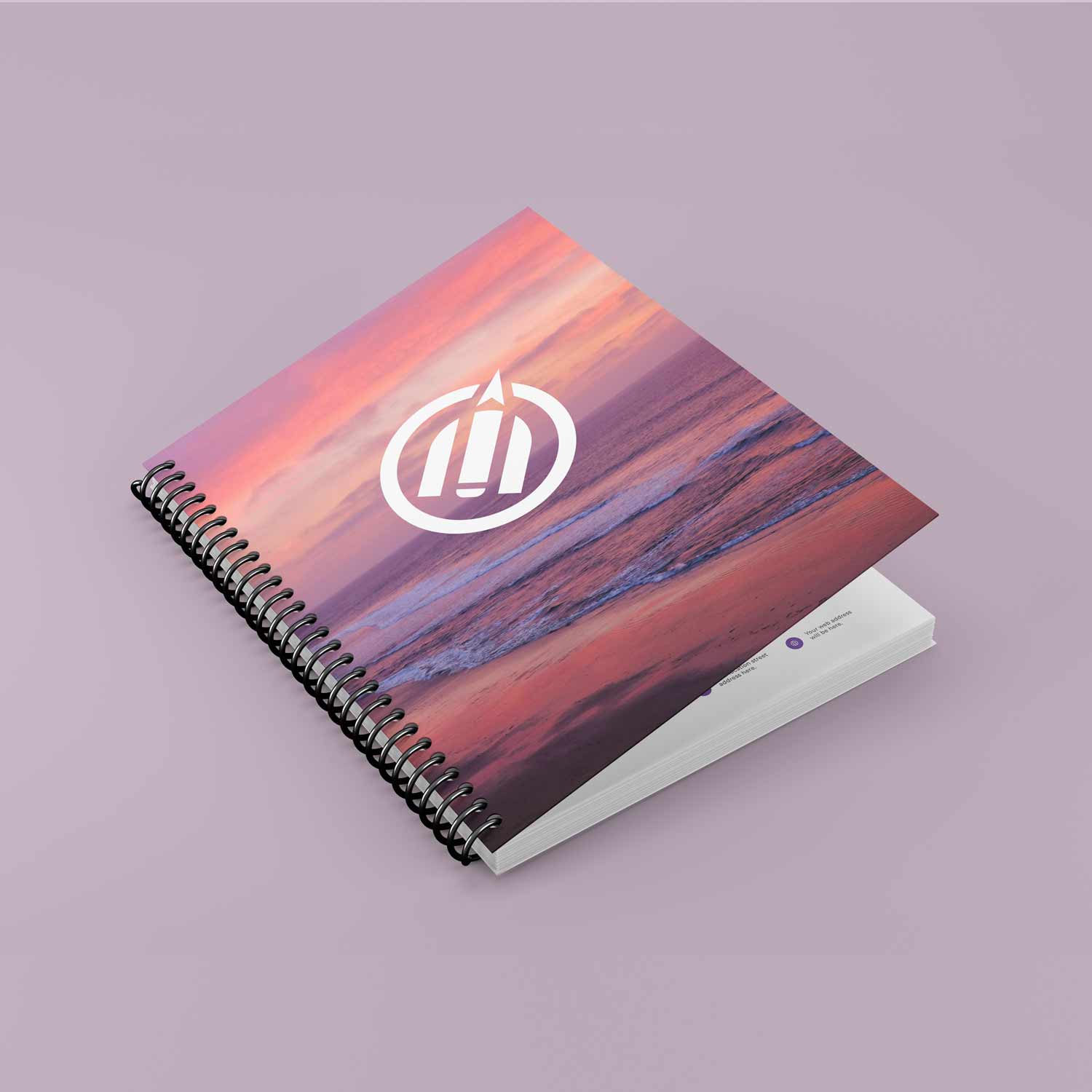
Our Coil Bound Booklets are printed on 60lb Uncoated Stock (94 Bright) paper.  You can select from our templates or choose to supply your own artwork of inner pages and covers. Booklet is printed 8.5″ x 11″ letter size.  The possibilities are endless and you can create custom Catalogues, Notepads, Calendars, Journals & much more.

SKU: CB-BK
    Reset options
  • Artwork / Design Files

    • Please upload high-quality print files.
    • For double-sided prints please ensure to have a multi-page pdf with side A on page 1 and side B on page 2.
    • Compress multiple files into zip format. 
    • Ensure all your fonts are outlined and colour space is CMYK.
    • We recommend 300dpi print quality for best results.
    • Click here for additional tips and file preparation instructions when uploading files.
    • (max file size 512 MB)

Additional Information

Description

8.5″ × 11″ Coil Bound Booklets

Our coil bound booklets are a flexible and professional solution for documents that need durability, easy page turning, and the ability to lay completely flat. Printed at 8.5″ × 11″ (letter size), these booklets are ideal for everyday use, reference materials, and branded publications.

All interior pages are printed on 60lb uncoated stock (94 Bright), providing a clean, smooth writing surface that works beautifully for both text and graphics. The uncoated finish reduces glare and is perfect for documents that require note-taking, annotations, or frequent handling.

Choose from our ready-to-use templates for a quick and easy setup, or upload your own custom artwork for both the inner pages and covers. Coil binding allows pages to turn smoothly and stay open without creasing, making these booklets practical, user-friendly, and long-lasting.

The versatility of coil binding makes these booklets suitable for a wide range of applications. Whether you’re creating catalogues, notepads, calendars, journals, training manuals, planners, or instructional guides, this format offers a polished yet functional presentation.

Coil bound booklets are ideal for businesses, educators, creatives, and organizations looking for a reliable, customizable, and professional multi-page document solution with endless possibilities.

Additional information

Weight 5 lbs
Dimensions 8.5 × 11 × 8.5 in
Pages

24pg, 30pg, 52pg, 60pg, 96pg, 100pg, 106pg, 144pg, 152pg, 160pg

Qty

1, 10, 25

Related Products

Artwork Upload Instructions

Your files will be processed by a DEMG pre-press technician to maximize print quality and guarantee results.

  1. Accepted file formats – We accept files in pdf, .jpg, ,.jpeg, .png, .psd, .eps, or .ai.
  2. Colour Profiles – RGB vs CMYK? While some printers can print in RGB mode, the conversion process to CMYK may produce unexpected results. It’s recommended to use a CMYK profile to match the printer process Ensure that your PDF is high resolution and that all images are using CMYK profile at 300 DPI.
  3. Fonts – All fonts must be outlined (not embedded). This avoids us having to find your font’s when prepping your file for print.
  4. Dieline’s must be a single path stroked using a separate spot colour called Dieline and should be on its own layer.
  5. Vector Graphics – Please provide vector only artwork for type, logos, shapes and all other artwork. Only provide embedded raster artwork for actual 4/C images.
  6. Black & Rich Black – Black type should have the following values: CMYK 0/0/0/100. For “Rich black” we recommend using CMYK 40/40/40/100.
  7. Trim & Bleeds – The trim size of the Illustrator file must match the final trim size of the label. For bleed, we recommend a minimum of 0.125 inches all around.
  8. Double Sided Printing – Files must be submitted with the correct orientation to ensure proper back up.
  9. Spot UV, Metallic Foils & White ink printing – For orders with custom finishing please supply a single file for your CMYK printing (if necessary) and a separate file with your spot UV layer representing the custom finish. Remember to set overprints on any Dieline.
  10. Unnecessary Objects – Make sure to DELETE any hidden layers that are not intended to print (ie: setup guides, unused layers or other hidden elements) to ensure no risk of them appearing on the final print.  Please note that form fields, comments, or annotations in PDFs will not be printed.
  11. Borders – It is best to try to avoid using borders in your design. If a border is too close to the trim, the trim may be slightly off-center.