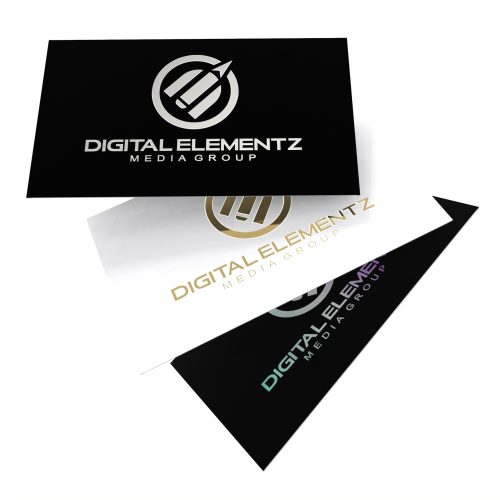
19pt Soft Touch Raised Spot UV

From: $89.00

Impress your clients with an impressive 19pt Soft Touch Raised Spot UV Business cards!  These luxurious business cards are printed double-sided on 16pt card stock and laminated with a soft-touch velvet like finish.  The raised spot uv on these business cards give it a 3D embossed look and feel and they are available with rounded corners too.  For additional qty’s or sets, please contact us for a custom quote.

SKU: BC-RSUV
  • *Rounded Corners

    Reset options
  • Artwork / Design Files

    • Please upload high-quality print files.
    • For double-sided prints please ensure to have a multi-page pdf with side A on page 1 and side B on page 2.
    • Compress multiple files into zip format. 
    • Ensure all your fonts are outlined and colour space is CMYK.
    • We recommend 300dpi print quality for best results.
    • Click here for additional tips and file preparation instructions when uploading files.
    • (max file size 512 MB)

Additional Information

Art preparation instructions:

Please submit two PDF files. First PDF should be the PRINTED artwork (Two pages if double sided). Second PDF should be the SPOT UV layer represented by BLACK(Two pages if double sided – If you picked only 1 side SPOT UV then please ensure the PRINTED file is the first page to match the SPOT UV file).
On the spot UV template file, indicate the spot UV areas by using 100% K. Non-UV areas should be white. For best results, ensure this file is vector.

CAUTION: Extending spot UV design to the trimmed edge of your card is not recommended by our spot UV machine manufacturer. Doing so significantly increases the risk of the spot UV peeling along the trimmed edges. To avoid this, ensure there is at least a 5mm spot UV-free border around the edges of your design.

If spot UV files are submitted with full bleed, our automation will automatically apply a 5mm gap from the trim edge to reduce the risk of peeling. However, this adjustment may result in a visible non-spot UV varnished area along the edges. To achieve the best results, we advise against using full bleed for your spot UV designs.

Spot UV Accuracy:
Please note that spot UV placement cannot be guaranteed with 100% accuracy. There may be a shift of approximately 1/16″ in the position of the spot UV on the final printed product. For this reason, we do not recommend using spot UV on small text or very fine details.

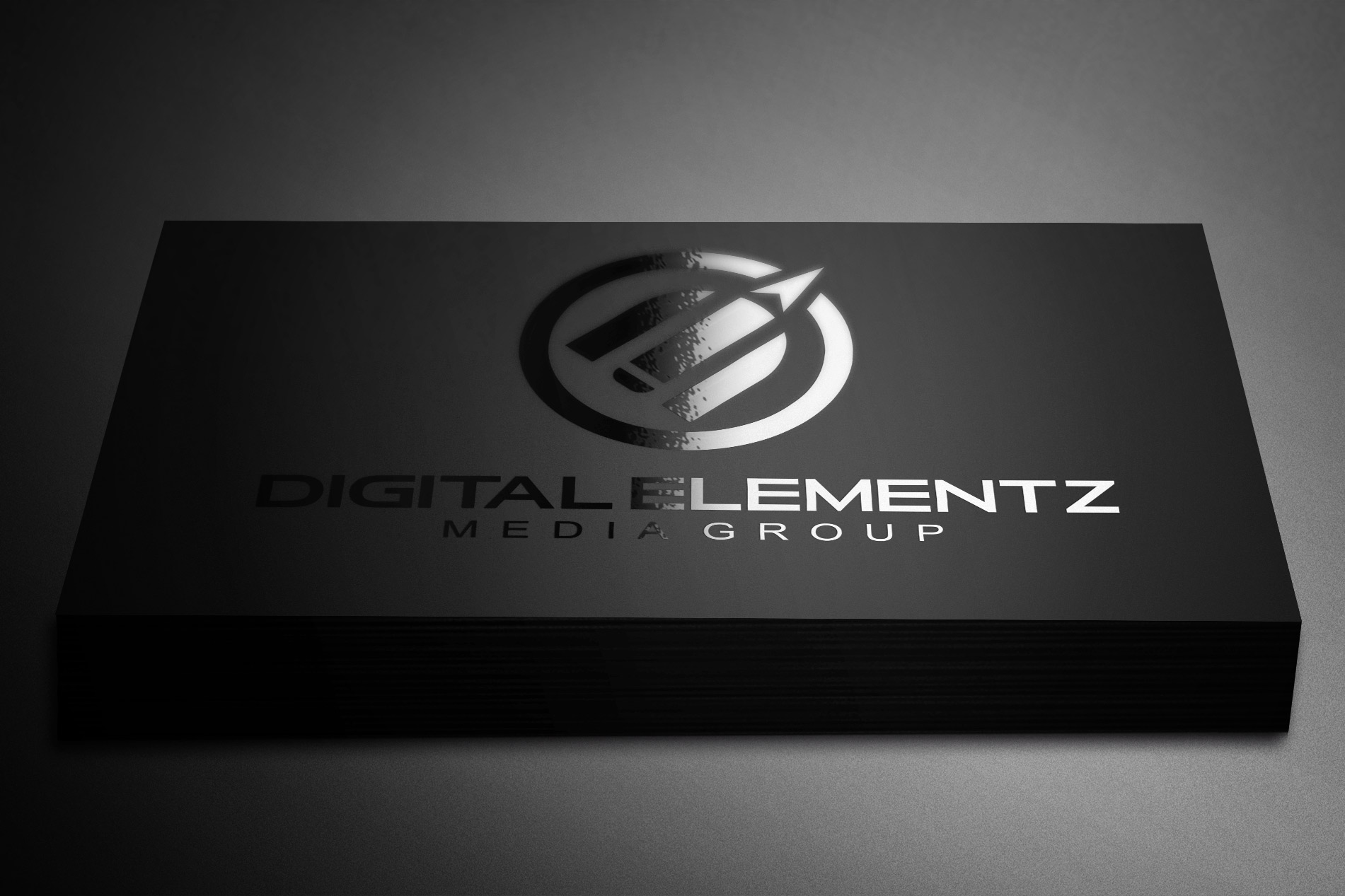
Description

Printed on a thick 19pt cardstock and finished with either a Matt or Soft Touch Lamination and Raised Spot UV!  They are printed double-sided on 16pt cards stock and laminated with matt or soft touch to acheive a 19pt thickness.  These spot uv business cards are available with rounded corners.  For additional qty’s or sets, please contact us for a custom quote.

Additional information

Qty

100, 250, 500, 1000, 2500, 5000

Spot UV

1 Side, 2 Sides

stock-options

Matt Lam, Soft Touch Lam

SKU BC-RSUV Categories , Tags ,

Related Products

Artwork Upload Instructions

Your files will be processed by a DEMG pre-press technician to maximize print quality and guarantee results.

  1. Accepted file formats – We accept files in pdf, .jpg, ,.jpeg, .png, .psd, .eps, or .ai.
  2. Colour Profiles – RGB vs CMYK? While some printers can print in RGB mode, the conversion process to CMYK may produce unexpected results. It’s recommended to use a CMYK profile to match the printer process Ensure that your PDF is high resolution and that all images are using CMYK profile at 300 DPI.
  3. Fonts – All fonts must be outlined (not embedded). This avoids us having to find your font’s when prepping your file for print.
  4. Dieline’s must be a single path stroked using a separate spot colour called Dieline and should be on its own layer.
  5. Vector Graphics – Please provide vector only artwork for type, logos, shapes and all other artwork. Only provide embedded raster artwork for actual 4/C images.
  6. Black & Rich Black – Black type should have the following values: CMYK 0/0/0/100. For “Rich black” we recommend using CMYK 40/40/40/100.
  7. Trim & Bleeds – The trim size of the Illustrator file must match the final trim size of the label. For bleed, we recommend a minimum of 0.125 inches all around.
  8. Double Sided Printing – Files must be submitted with the correct orientation to ensure proper back up.
  9. Spot UV, Metallic Foils & White ink printing – For orders with custom finishing please supply a single file for your CMYK printing (if necessary) and a separate file with your spot UV layer representing the custom finish. Remember to set overprints on any Dieline.
  10. Unnecessary Objects – Make sure to DELETE any hidden layers that are not intended to print (ie: setup guides, unused layers or other hidden elements) to ensure no risk of them appearing on the final print.  Please note that form fields, comments, or annotations in PDFs will not be printed.
  11. Borders – It is best to try to avoid using borders in your design. If a border is too close to the trim, the trim may be slightly off-center.