19pt Soft Touch

From: $75.00

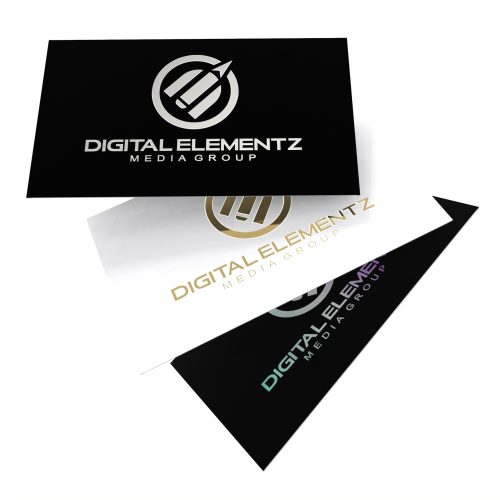
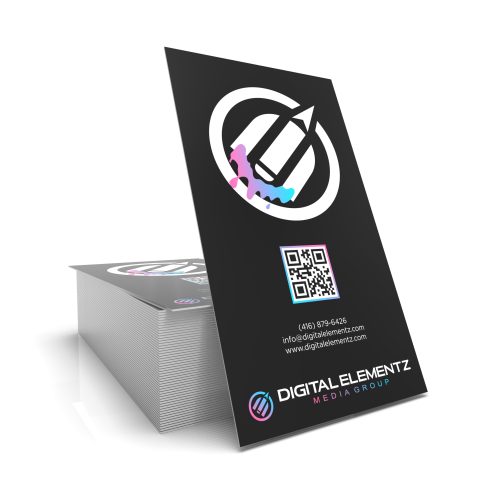
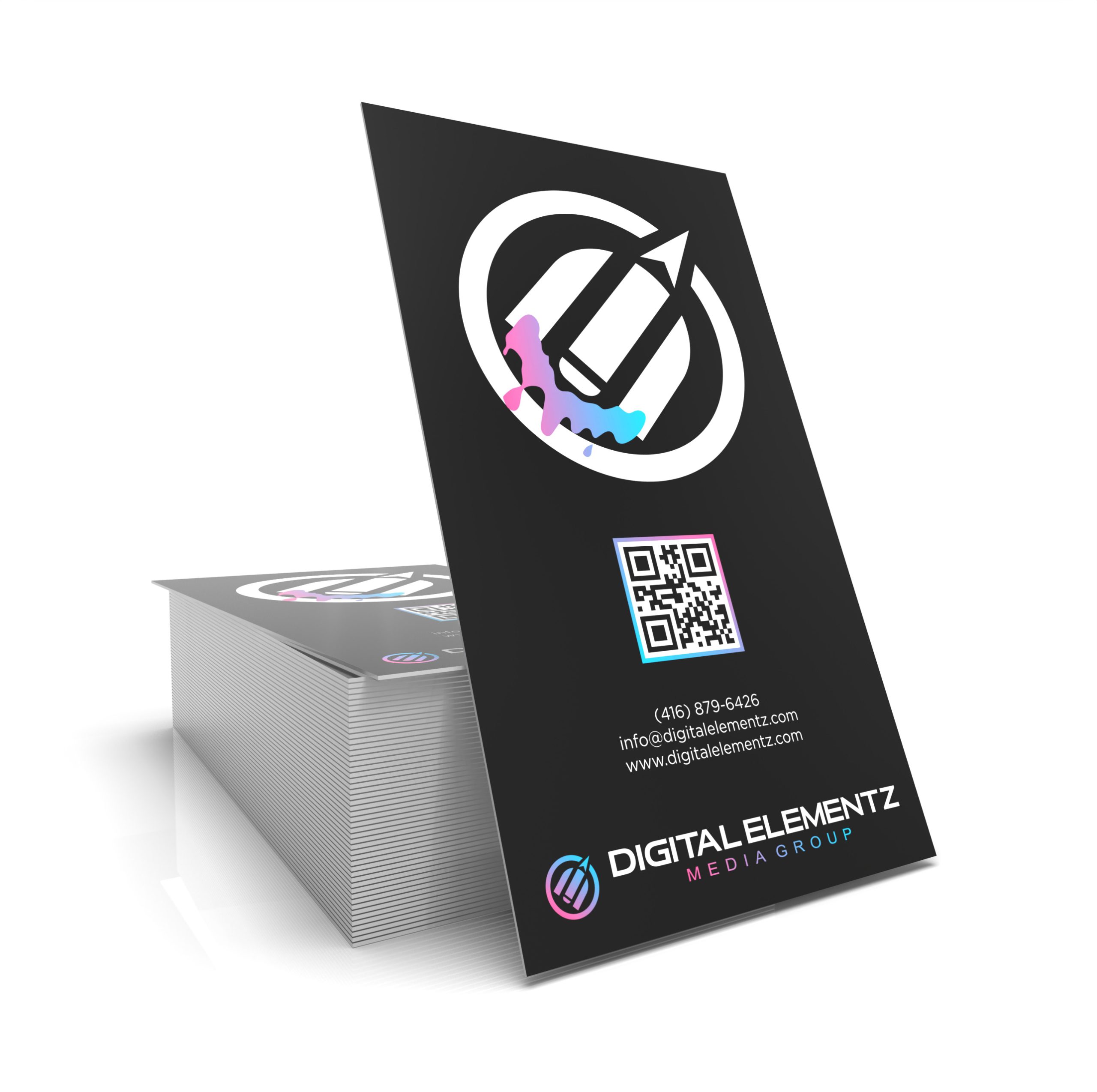
Elevate your brand with our premium 19pt Soft Touch business cards, available with either straight edges or rounded corners. Each card is printed on sturdy 16pt card stock and finished with a luxurious Silk Touch lamination, giving it a smooth, refined feel that leaves a lasting impression.

Turnaround: 5–7 business days.Rush production is available upon request.

SKU: BC-SML-01-1-1
  • *Rounded Corners

    Reset options
  • Artwork / Design Files

    • Please upload high-quality print files.
    • For double-sided prints please ensure to have a multi-page pdf with side A on page 1 and side B on page 2.
    • Compress multiple files into zip format. 
    • Ensure all your fonts are outlined and colour space is CMYK.
    • We recommend 300dpi print quality for best results.
    • Click here for additional tips and file preparation instructions when uploading files.
    • (max file size 512 MB)

Additional Information

Description

Make a lasting first impression with our premium 19pt Soft Touch lamination business cards, designed for creatives, professionals, and brands that value elevated presentation. Each card begins with a thick and durable 16pt premium cardstock, which is then finished with our luxurious Silk Touch (Soft Touch) lamination—bringing the final thickness to 19pt. The result is a velvety, matte, fingerprint-resistant surface that feels sophisticated the moment it’s in your hand.

Our Soft Touch lamination not only enhances the tactile experience but also increases durability, protecting your cards from scratches, moisture, and everyday handling. Whether you’re handing them out at meetings, events, or inside packaging, these cards instantly communicate quality and attention to detail.

Choose between classic straight edges or rounded corners to align with your brand style. Rounded corners provide a smooth, modern look, while straight cuts offer a clean and timeless finish. Whichever you select, the print quality is sharp, vibrant, and true to your design.

These business cards are ideal for designers, luxury brands, boutique services, real estate agents, creatives, and anyone who wants their card to stand out through both look and feel.

Turnaround Time:
Standard production is 5–7 business days.
If you need them sooner, rush options are available—please contact us for availability and timelines.

Additional information

Qty

100, 250, 500, 1000, 2500, 5000

SKU BC-SML-01-1-1 Categories , Tags ,

Related Products

Artwork Upload Instructions

Your files will be processed by a DEMG pre-press technician to maximize print quality and guarantee results.

  1. Accepted file formats – We accept files in pdf, .jpg, ,.jpeg, .png, .psd, .eps, or .ai.
  2. Colour Profiles – RGB vs CMYK? While some printers can print in RGB mode, the conversion process to CMYK may produce unexpected results. It’s recommended to use a CMYK profile to match the printer process Ensure that your PDF is high resolution and that all images are using CMYK profile at 300 DPI.
  3. Fonts – All fonts must be outlined (not embedded). This avoids us having to find your font’s when prepping your file for print.
  4. Dieline’s must be a single path stroked using a separate spot colour called Dieline and should be on its own layer.
  5. Vector Graphics – Please provide vector only artwork for type, logos, shapes and all other artwork. Only provide embedded raster artwork for actual 4/C images.
  6. Black & Rich Black – Black type should have the following values: CMYK 0/0/0/100. For “Rich black” we recommend using CMYK 40/40/40/100.
  7. Trim & Bleeds – The trim size of the Illustrator file must match the final trim size of the label. For bleed, we recommend a minimum of 0.125 inches all around.
  8. Double Sided Printing – Files must be submitted with the correct orientation to ensure proper back up.
  9. Spot UV, Metallic Foils & White ink printing – For orders with custom finishing please supply a single file for your CMYK printing (if necessary) and a separate file with your spot UV layer representing the custom finish. Remember to set overprints on any Dieline.
  10. Unnecessary Objects – Make sure to DELETE any hidden layers that are not intended to print (ie: setup guides, unused layers or other hidden elements) to ensure no risk of them appearing on the final print.  Please note that form fields, comments, or annotations in PDFs will not be printed.
  11. Borders – It is best to try to avoid using borders in your design. If a border is too close to the trim, the trim may be slightly off-center.