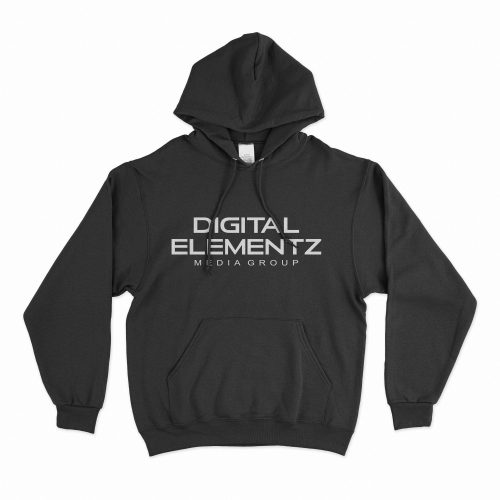
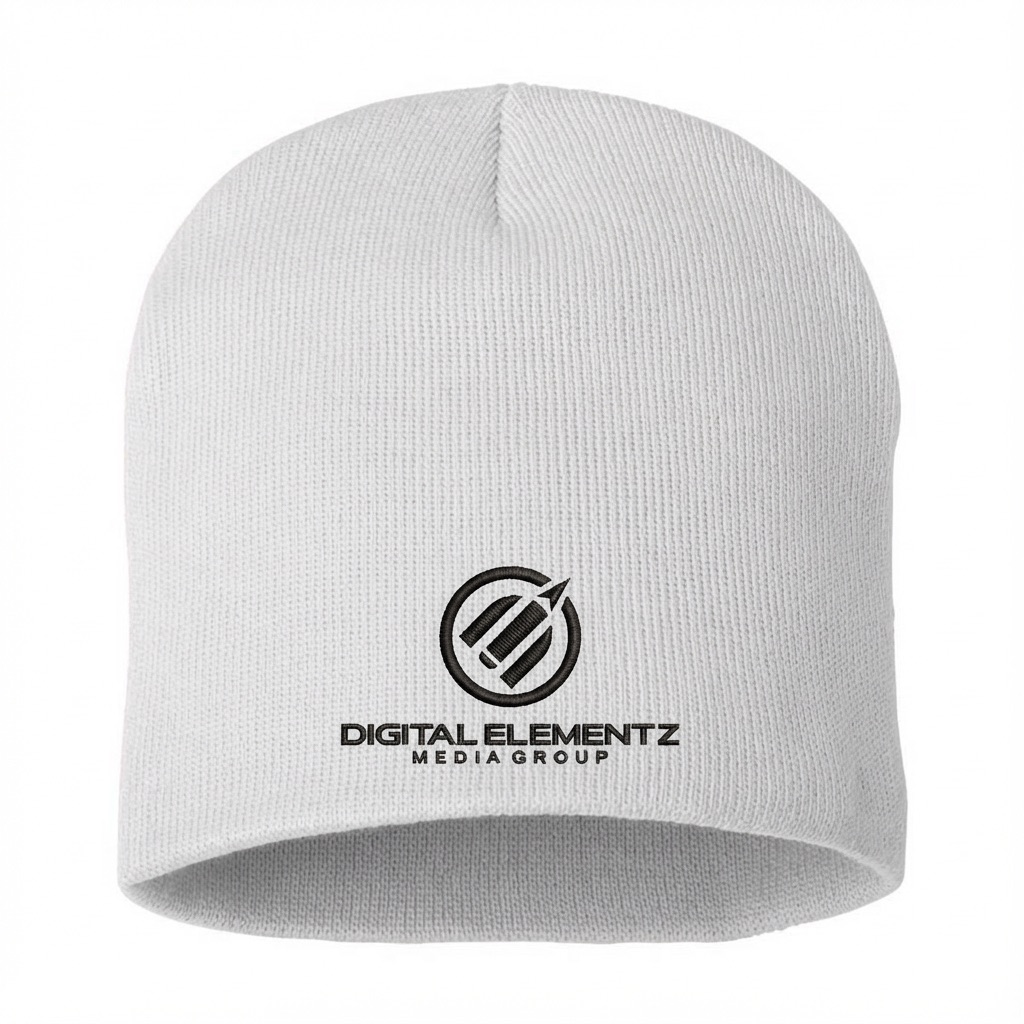
Winter Beanie

From: $25.00

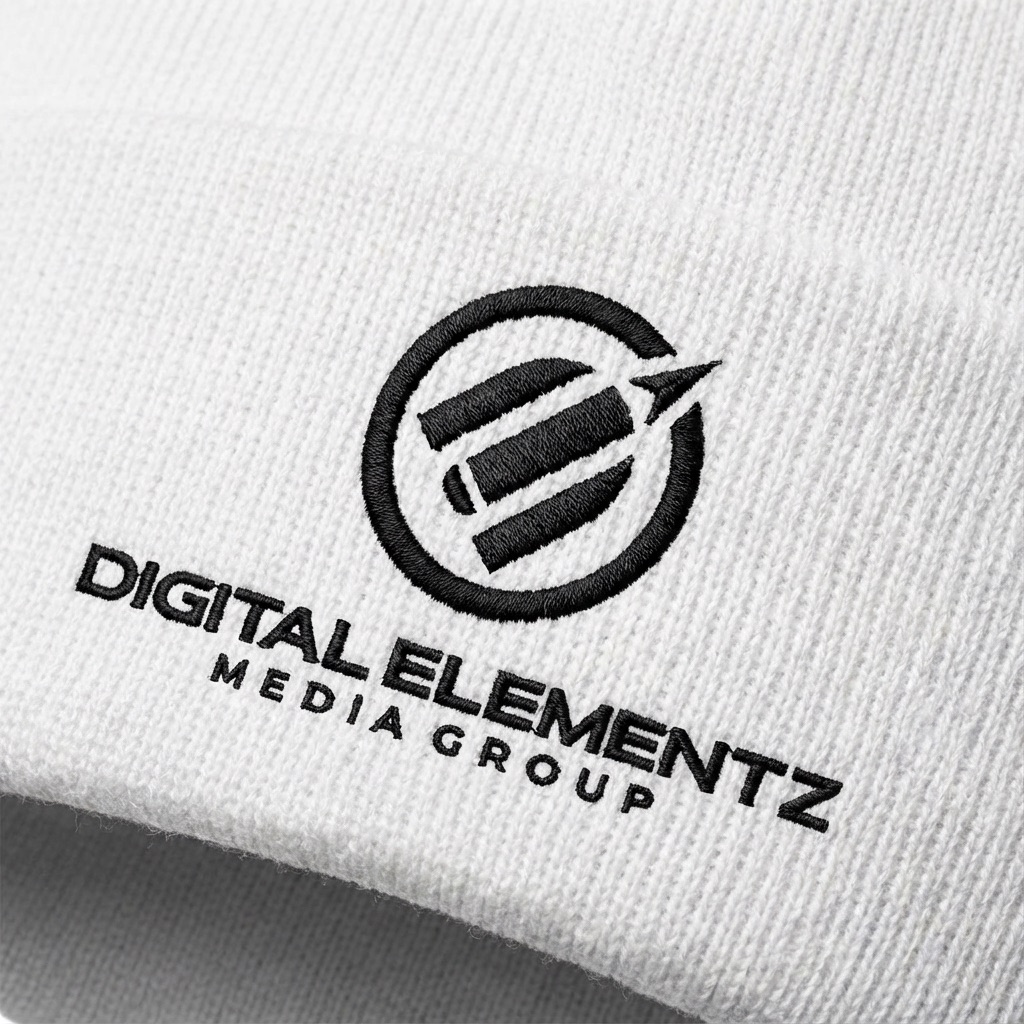
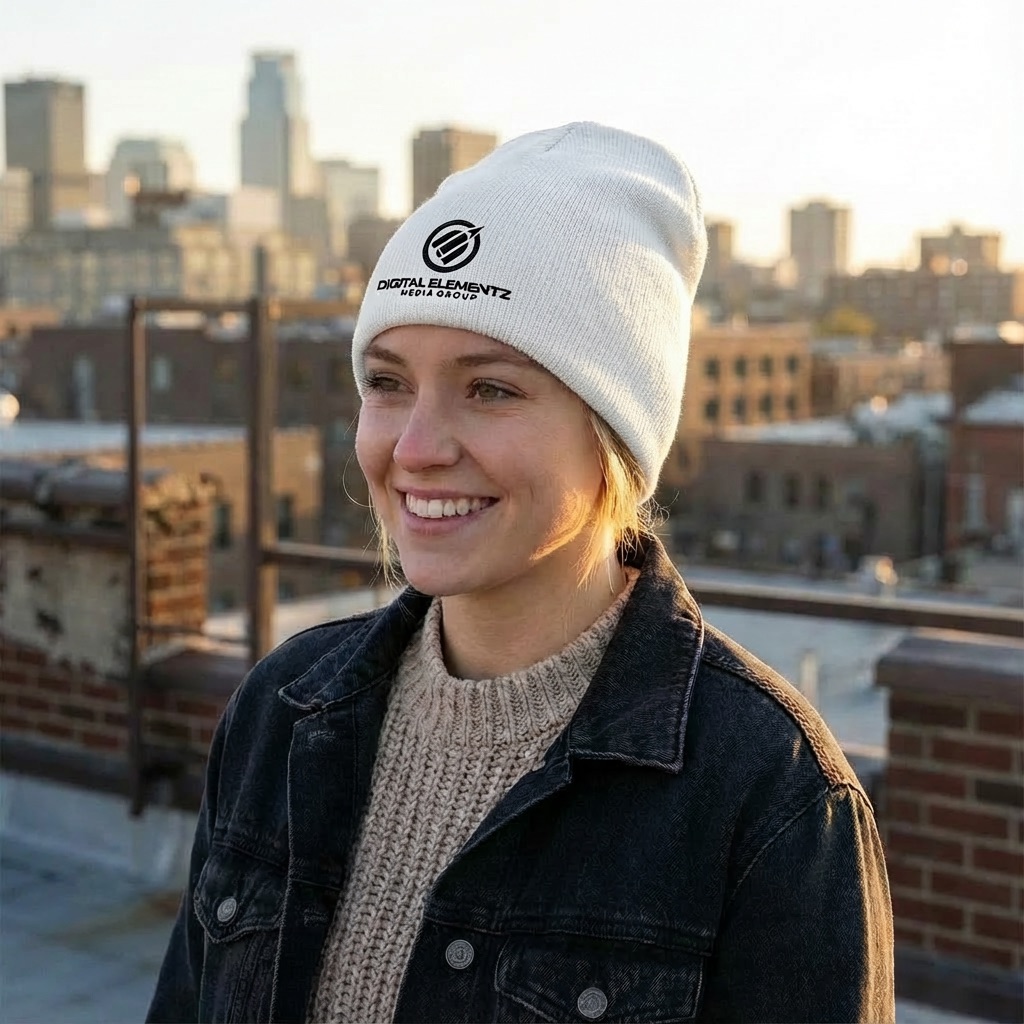
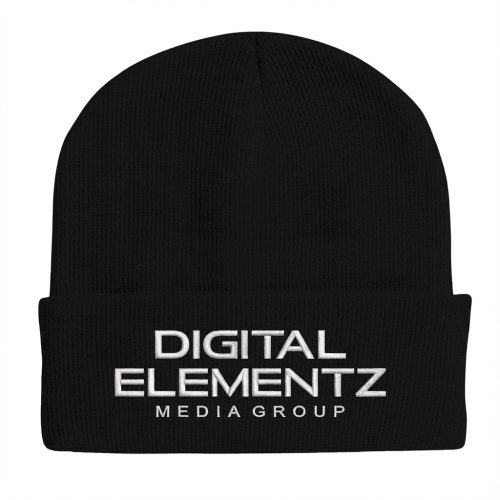
Stay warm in style with our customizable winter beanie. Add your logo or unique design with high-quality embroidery to create a cozy, on-brand accessory your clients will love. Perfect for promotions, merch, staff uniforms, or personal use—and with no minimum order, you can order exactly what you need, even for one-off designs.

  • *Apparel colour

    Embroidery Fees

    This fee applies to designs that contain graphics, or both graphics and text. Your digitization fee covers all the services required to render your initial design into a digitized file for our embroidery machine.

    Select Embroidery Colour

    • Digitization Fee Included
  • Artwork / Design Files

    • Please upload high-quality print files.
    • For double-sided prints please ensure to have a multi-page pdf with side A on page 1 and side B on page 2.
    • Compress multiple files into zip format. 
    • Ensure all your fonts are outlined and colour space is CMYK.
    • We recommend 300dpi print quality for best results.
    • Click here for additional tips and file preparation instructions when uploading files.
    • (max file size 512 MB)

Additional Information

Description

Long Product Description

Keep your brand top of mind all winter long with our custom embroidered winter beanie /toques—designed to combine comfort, warmth, and standout branding. These classic knit winter hats offer a clean, stylish look suitable for clients, staff, events, merch lines, or personal use. Each beanie is embroidered with your custom logo or design, making it a practical and eye-catching accessory during the colder months.

Available in a versatile range of colors—White, Black, Navy, Royal Blue, Grey, and Neon Pink—you can choose the perfect shade to match your brand identity or design aesthetic. Whether you’re creating corporate winter wear, promotional giveaways, retail merchandise, or custom gifts, these beanies deliver both durability and visual impact.

We offer flexible ordering with no minimum quantity, allowing you to create a single one-off hat or a full production run without limitations. This makes the beanies ideal for smaller teams, individualized gifts, or testing new designs before committing to larger volumes.

Digitization Fee Explained

Before your design can be embroidered, it must be converted into a stitch-ready digital file. This is where the digitization fee applies:

  • Graphics Digitization: This fee covers designs that include graphics, or a combination of graphics and text.

  • The fee includes all services required to prepare your artwork for embroidery, ensuring clean, precise stitching and professional results.

Digitization only needs to be done once per design—after that, you can reorder anytime without paying the setup fee again.

Category

Related Products

Artwork Upload Instructions

Your files will be processed by a DEMG pre-press technician to maximize print quality and guarantee results.

  1. Accepted file formats – We accept files in pdf, .jpg, ,.jpeg, .png, .psd, .eps, or .ai.
  2. Colour Profiles – RGB vs CMYK? While some printers can print in RGB mode, the conversion process to CMYK may produce unexpected results. It’s recommended to use a CMYK profile to match the printer process Ensure that your PDF is high resolution and that all images are using CMYK profile at 300 DPI.
  3. Fonts – All fonts must be outlined (not embedded). This avoids us having to find your font’s when prepping your file for print.
  4. Dieline’s must be a single path stroked using a separate spot colour called Dieline and should be on its own layer.
  5. Vector Graphics – Please provide vector only artwork for type, logos, shapes and all other artwork. Only provide embedded raster artwork for actual 4/C images.
  6. Black & Rich Black – Black type should have the following values: CMYK 0/0/0/100. For “Rich black” we recommend using CMYK 40/40/40/100.
  7. Trim & Bleeds – The trim size of the Illustrator file must match the final trim size of the label. For bleed, we recommend a minimum of 0.125 inches all around.
  8. Double Sided Printing – Files must be submitted with the correct orientation to ensure proper back up.
  9. Spot UV, Metallic Foils & White ink printing – For orders with custom finishing please supply a single file for your CMYK printing (if necessary) and a separate file with your spot UV layer representing the custom finish. Remember to set overprints on any Dieline.
  10. Unnecessary Objects – Make sure to DELETE any hidden layers that are not intended to print (ie: setup guides, unused layers or other hidden elements) to ensure no risk of them appearing on the final print.  Please note that form fields, comments, or annotations in PDFs will not be printed.
  11. Borders – It is best to try to avoid using borders in your design. If a border is too close to the trim, the trim may be slightly off-center.