Sticker Paper Labels

From: $195.00

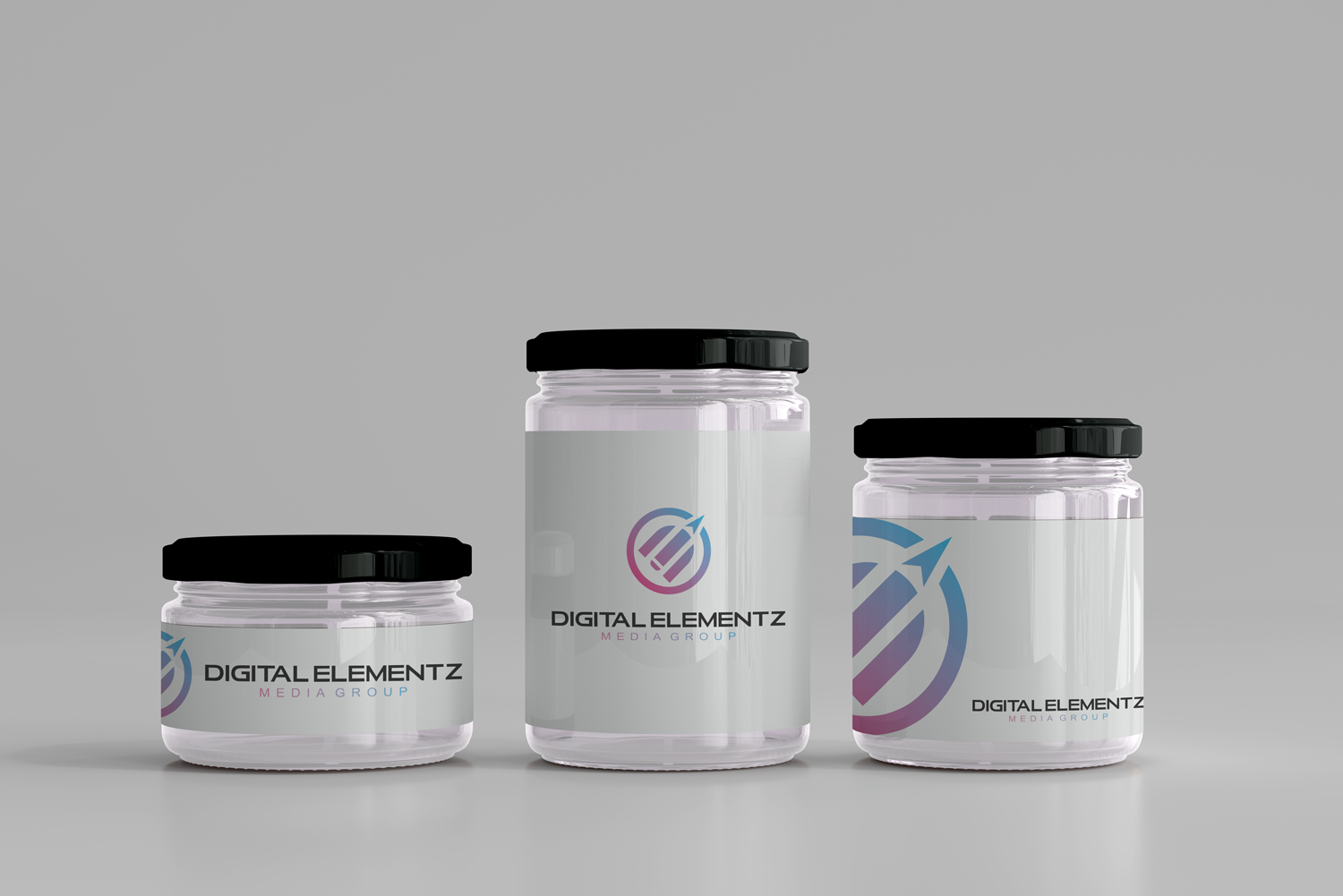
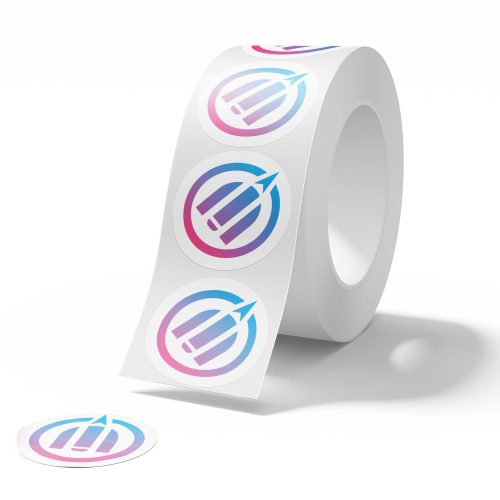
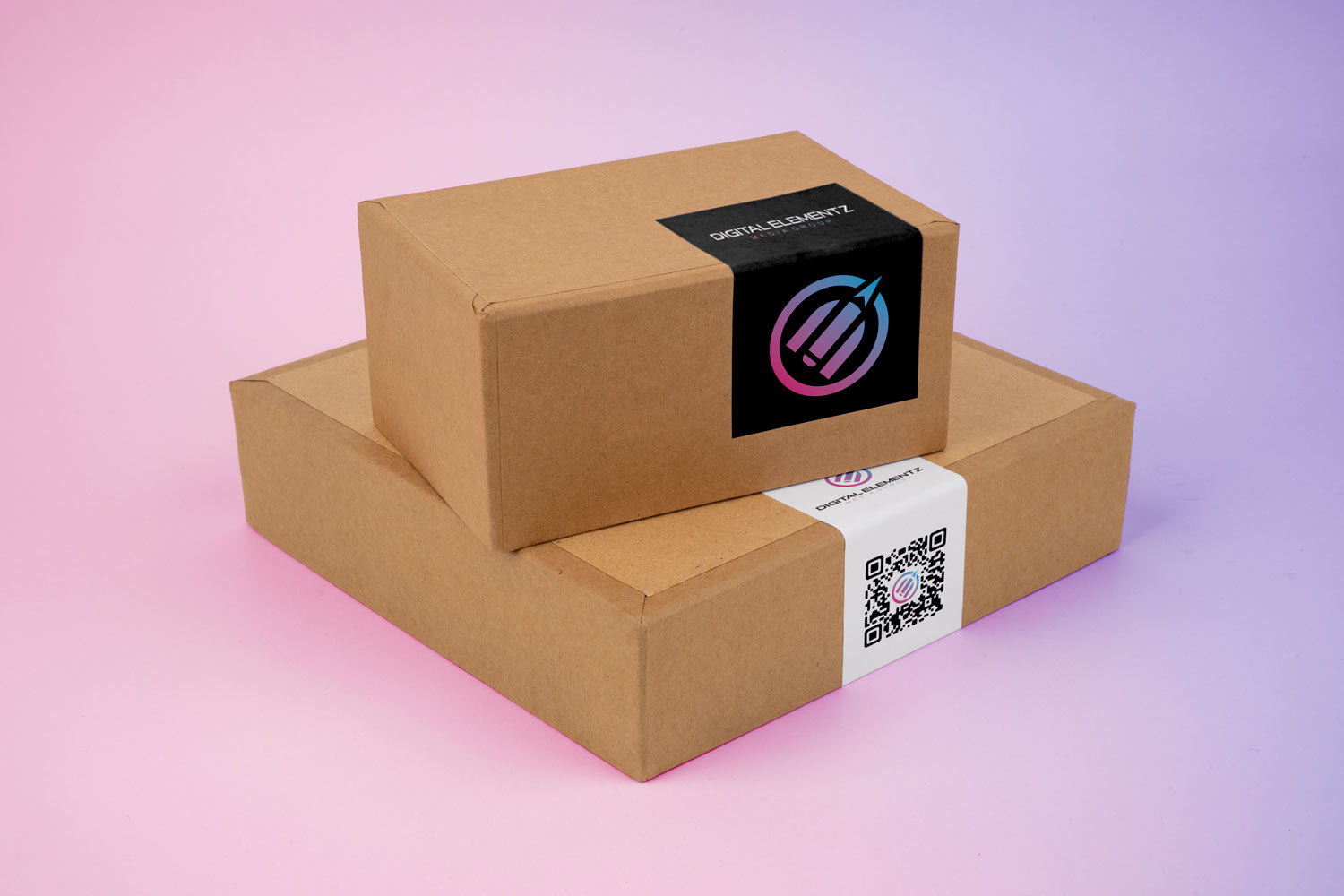
Our high-quality stickers paper labels are available in multiple sizes (2″x2″, 3″x3″, 3.5″x2″, 4″x3″, 4″x4″) in removable or permanent options. Choose from circle, oval, square, rounded corners, or custom shape cuts. Perfect for packaging labels, juice bottles, food products, bumper stickers, and more.

SKU: SF-STKS-1
  • *Sizes

    *Qty

    *Label Type

    *Shape

    Reset options
  • Artwork / Design Files

    • Please upload high-quality print files.
    • For double-sided prints please ensure to have a multi-page pdf with side A on page 1 and side B on page 2.
    • Compress multiple files into zip format. 
    • Ensure all your fonts are outlined and colour space is CMYK.
    • We recommend 300dpi print quality for best results.
    • Click here for additional tips and file preparation instructions when uploading files.
    • (max file size 512 MB)

Additional Information

Description

Custom Stickers Paper Labels – Durable, Versatile, and Made to Fit Your Brand

Elevate your branding and packaging with our premium custom stickers and labels, available in a wide range of sizes including 2×2, 3×3, 3.5×2, 4×3, and 4×4 inches. Whether you’re labeling products, personalizing packaging, or promoting your brand, we have a material and cut to suit every need.

Material Options:

Sticker Paper Labels – Ideal for indoor use, these are cost-effective and perfect for products that don’t require moisture resistance, such as bakery goods, dry items, or shipping labels. Available with matte or gloss finishes. Available in Permanent and Removable.

Shape Options:
Choose from circle, oval, square, rounded corners, or fully custom die-cut shapes to perfectly match your branding. Whether you need sleek and modern or fun and eye-catching, we can cut it to match.

Popular Applications:
Our custom labels are commonly used for:

  • Packaging labels
  • Juice bottle and beverage labels
  • Food product labeling
  • Bumper stickers and promotional decals
  • Candle jars, beauty products, and more

Every order is made to your specifications with precision cutting and high-quality print for vibrant, long-lasting results. Whether you’re a small business, a growing brand, or organizing an event, our stickers offer a professional finish you can count on.

Additional information

Sizes

2" x 2", 3" x 3", 3.5" x 2", 4" x 3", 4" x 4"

Qty

100, 250, 500, 1000, 2500, 5000

Label Type

Paper(Permanent), Paper(Removable)

Shape

Circle, Oval, Square, Rectangular, Custom Shape

SKU SF-STKS-1 Category Tag

Related Products

Artwork Upload Instructions

Your files will be processed by a DEMG pre-press technician to maximize print quality and guarantee results.

  1. Accepted file formats – We accept files in pdf, .jpg, ,.jpeg, .png, .psd, .eps, or .ai.
  2. Colour Profiles – RGB vs CMYK? While some printers can print in RGB mode, the conversion process to CMYK may produce unexpected results. It’s recommended to use a CMYK profile to match the printer process Ensure that your PDF is high resolution and that all images are using CMYK profile at 300 DPI.
  3. Fonts – All fonts must be outlined (not embedded). This avoids us having to find your font’s when prepping your file for print.
  4. Dieline’s must be a single path stroked using a separate spot colour called Dieline and should be on its own layer.
  5. Vector Graphics – Please provide vector only artwork for type, logos, shapes and all other artwork. Only provide embedded raster artwork for actual 4/C images.
  6. Black & Rich Black – Black type should have the following values: CMYK 0/0/0/100. For “Rich black” we recommend using CMYK 40/40/40/100.
  7. Trim & Bleeds – The trim size of the Illustrator file must match the final trim size of the label. For bleed, we recommend a minimum of 0.125 inches all around.
  8. Double Sided Printing – Files must be submitted with the correct orientation to ensure proper back up.
  9. Spot UV, Metallic Foils & White ink printing – For orders with custom finishing please supply a single file for your CMYK printing (if necessary) and a separate file with your spot UV layer representing the custom finish. Remember to set overprints on any Dieline.
  10. Unnecessary Objects – Make sure to DELETE any hidden layers that are not intended to print (ie: setup guides, unused layers or other hidden elements) to ensure no risk of them appearing on the final print.  Please note that form fields, comments, or annotations in PDFs will not be printed.
  11. Borders – It is best to try to avoid using borders in your design. If a border is too close to the trim, the trim may be slightly off-center.